
Last Updated on July 29, 2026 by Asheesh Kumar
A few years ago, learning AI properly meant either paying for an expensive bootcamp or hoping your college had a professor who kept up with the field. Neither of those was ever guaranteed for a student outside a metro city. That’s changed faster than almost anyone expected. Google, Microsoft, Harvard, MIT, IBM, Anthropic, and a handful of nonprofits have all put out genuinely good, free AI courses, and most of them don’t need a coaching centre, a laptop with a GPU, or a bank account with room in it.
This guide walks through ten of the best free AI courses available right now, sorted from complete-beginner to fairly advanced. Every course here was checked for what it actually teaches, how long it really takes, and whether the certificate is free or has a catch — because “free course” and “free certificate” are two different promises, and a lot of roundups blur that line.
Also read: The Complete Guide to Studying With AI: 25 Practical Ways for Students (2026)
Why Every Student Should Learn AI in 2026
The honest answer is that AI has stopped being a specialised skill and started being a baseline one, the way spreadsheets or basic English typing became baseline skills a generation ago. Job postings across fields that have nothing to do with computer science now casually mention “comfort with AI tools.” Boards like CBSE have been steadily working AI and data literacy into the curriculum, and most competitive exam aspirants — JEE, UPSC, CA, whatever the target — are already using AI tools for revision even if nobody formally taught them how.
What makes this moment genuinely different for students in Tier 2 and Tier 3 cities is that the gap that used to separate a Delhi or Bangalore student from everyone else is shrinking. A CBSE student in a small town with a decent internet connection can now sit through the same Harvard AI lectures, learn from the same fast.ai instructors that alumni credit with landing jobs at Google Brain and Tesla, and go through the same Google training that a student in a metro coaching hub gets — for the same zero rupees. That access simply didn’t exist five years ago, and it’s the reason this list is worth taking seriously.
Also Read: Best AI Tutors for CBSE Students (2026): 7 Smart Tools for Smarter Learning
How We Selected These AI Courses
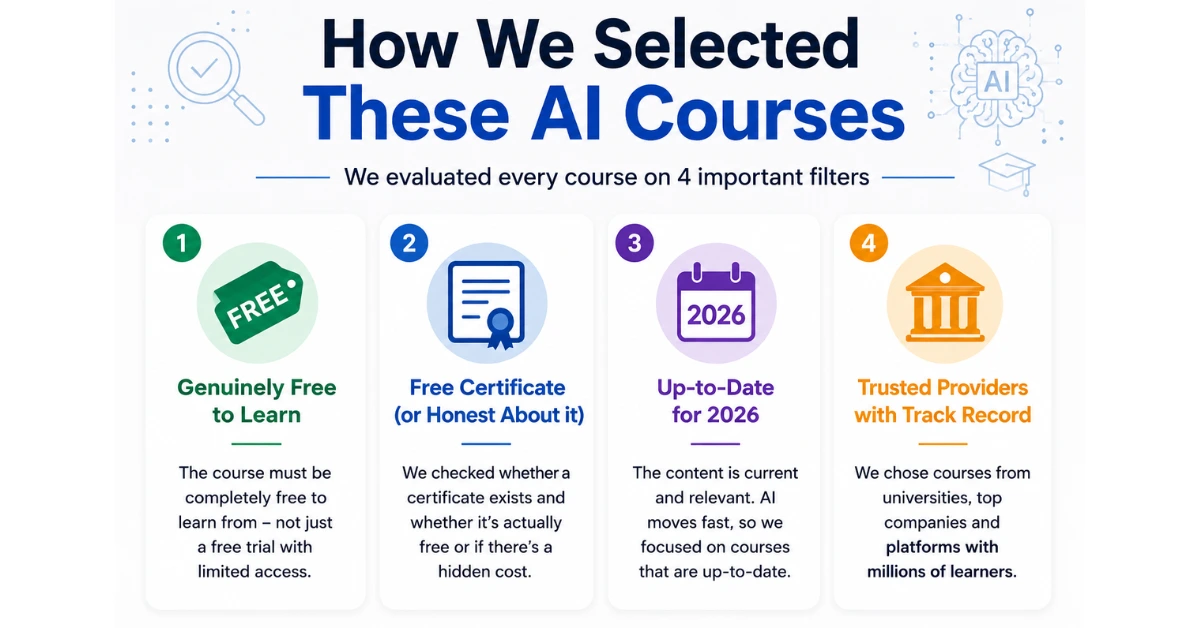
Every course on this list had to clear four filters. First, it had to be genuinely free to learn from — not a “free trial” that locks you out after a week. Second, wherever a certificate exists, we checked whether it’s actually free or whether “free course” secretly means “pay for the piece of paper,” and we’ve said so honestly in each entry. Third, the content had to be current enough for 2026 — AI moves fast, and a course still teaching 2019-era chatbots isn’t doing anyone favours. Fourth, we leaned toward providers with a real track record: universities, the companies building the AI tools themselves, and platforms with millions of completed enrolments, rather than random creator-made courses that vanish in a year.
10 Best Free AI Courses for Students
These are ordered roughly from “no experience needed” to “bring your coding shoes.” You don’t need to do them in sequence — pick the one that matches where you are right now.
1. YUVA AI for ALL (Government of India)
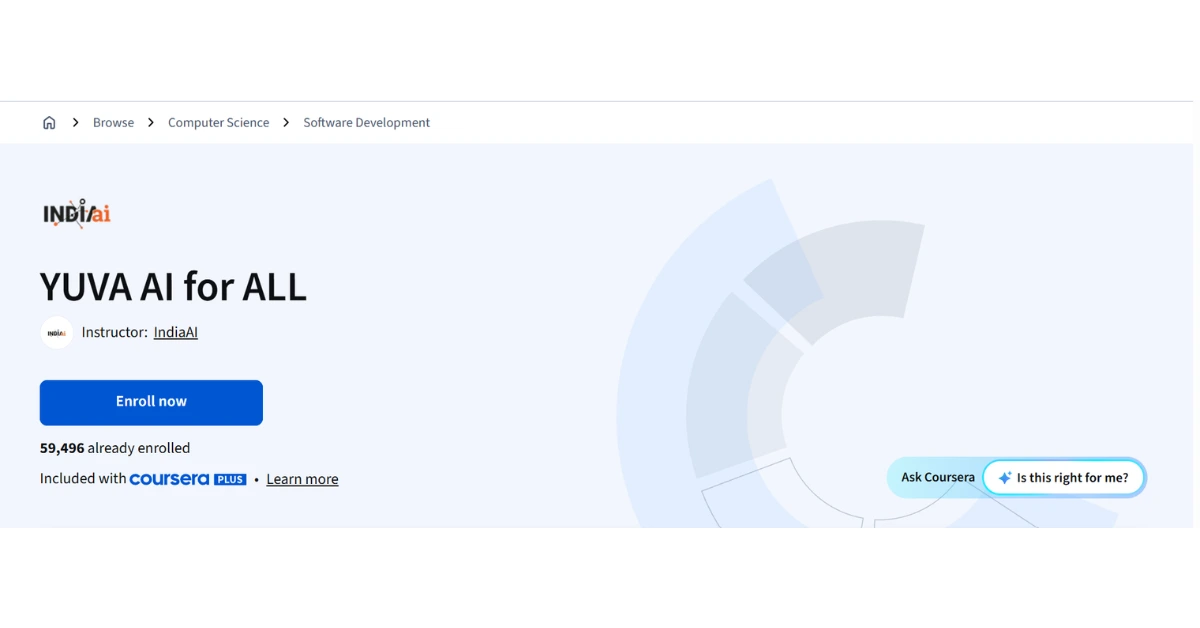
If you are an Indian student starting from zero, this is an absolute hidden gem. Launched by MeitY, this course explains AI using relatable, everyday Indian examples. It’s perfect for school students or anyone who feels overwhelmed by heavy tech jargon.
Best for: Absolute beginners and school students.
Difficulty: Very Easy
Duration: ~4.5 hours
Certificate: Yes, a completely free, official government certificate.
2. Google AI Essentials
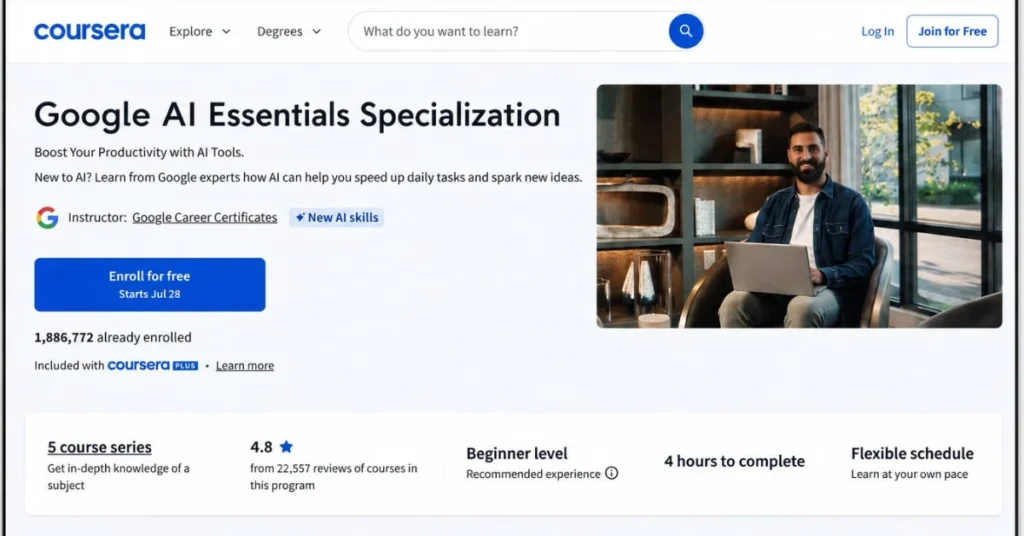
This is the most sensible starting point if you’ve never touched an AI tool with intention before. It’s built by Google’s own AI trainers and focuses entirely on practical use: writing prompts, using generative AI for real tasks, and knowing when to trust (or not trust) an AI’s output.
| Aspect | Details |
|---|---|
| Best for | Absolute beginners, non-technical students |
| Difficulty | Beginner |
| Duration | ~5–10 hours, self-paced |
| Certificate | Learning is free; the Google certificate usually requires Coursera’s paid tier, though Google.org occasionally sponsors free-certificate access through partner programs |
| What you’ll learn | Prompt writing, using Gemini and similar tools responsibly, picking the right AI tool for a task |
Pros: No coding, no jargon, genuinely practical exercises, backed directly by Google. Cons: The free certificate isn’t guaranteed unless you catch a sponsored access window; content stays surface-level by design.
3. Elements of AI (University of Helsinki)
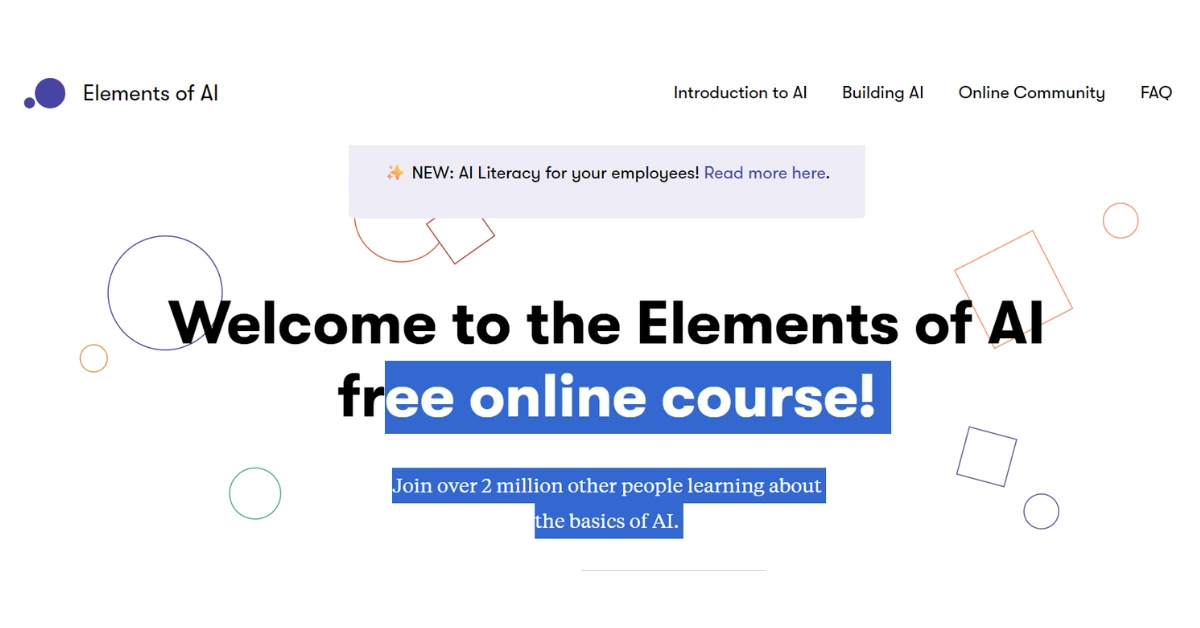
Built by the University of Helsinki and MinnaLearn, this is the closest thing the internet has to a proper “AI 101” taught the way a good university would teach it — except every part of it, including the certificate, is free. No hidden Coursera-style paywall anywhere.
| Aspect | Details |
|---|---|
| Best for | Beginners who want real conceptual grounding, not just tool tips |
| Difficulty | Beginner |
| Duration | ~25–30 hours across the core course, self-paced |
| Certificate | Completely free (LinkedIn-shareable); Finnish learners can also earn university credit |
| What you’ll learn | What AI actually is, machine learning basics, neural networks, the societal impact of AI |
It’s one of two courses on this list — Google AI Essentials is the other — that comes up again and again when non-technical beginners ask Reddit’s ML communities where to actually start, specifically because there’s no fine print about the certificate later. The trade-off is format: it’s almost entirely reading-based with very little video, which suits some students and bores others.
4. AI For Everyone (DeepLearning.AI)
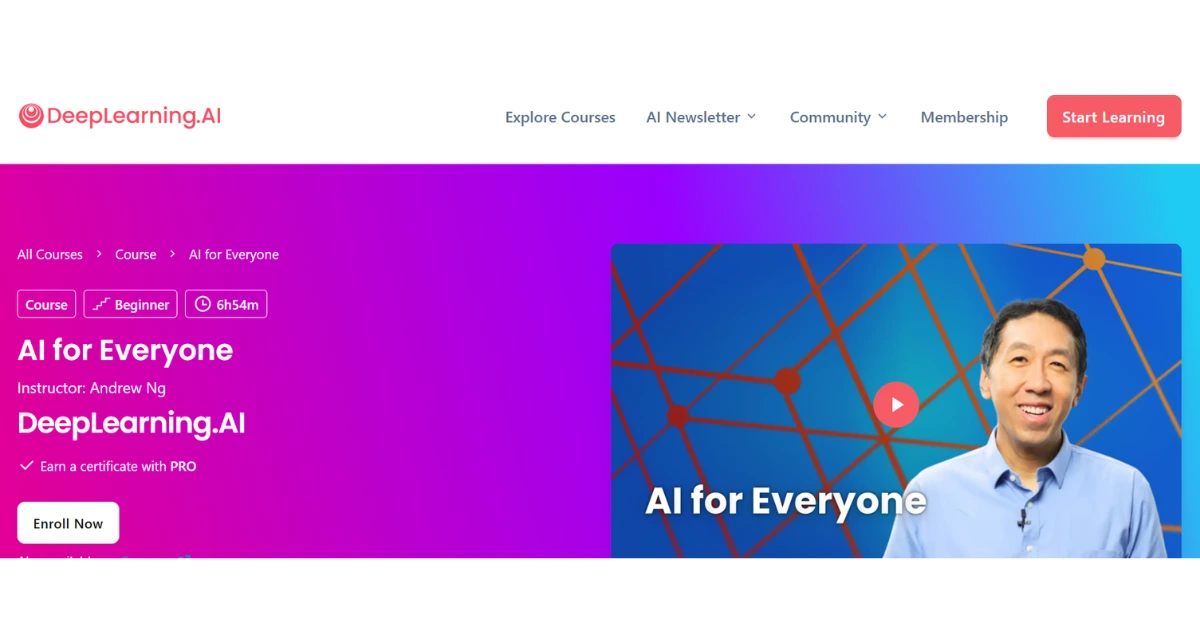
Taught by Andrew Ng — the person who arguably did more than anyone to make online AI education mainstream — this course skips the math entirely and focuses on how AI actually gets used in organisations and where its limits are.
| Aspect | Details |
|---|---|
| Best for | Students who want to understand AI strategy and limitations, not just tool usage |
| Difficulty | Beginner |
| Duration | ~6–7 hours |
| Certificate | Free to audit (all videos and readings); certificate requires Coursera’s paid access, roughly $49, with financial aid available |
| What you’ll learn | What AI can and can’t do, how AI projects actually get built, AI terminology you’ll keep hearing everywhere |
Pros: Taught by one of the most credible names in AI education; short enough to finish in a weekend. Cons: Certificate isn’t free unless you apply for Coursera financial aid, which takes a few extra days to process.
5. Anthropic Academy — AI Fluency
Anthropic (the company behind Claude) runs its own free training platform, and its non-technical track is built around something it calls the 4E framework — Effective, Efficient, Ethical, Safe use of AI. It’s less about memorising features and more about learning to think clearly about when to trust AI output and when not to.
| Aspect | Details |
|---|---|
| Best for | Students who want a genuinely current, tool-maker’s-eye view of using AI responsibly |
| Difficulty | Beginner to intermediate |
| Duration | A few hours per course; the full track takes longer if you go through the developer path too |
| Certificate | Free completion certificate, no payment or credit card needed to enrol |
| What you’ll learn | Structured AI-use thinking, prompt fluency, where human judgment still has to lead |
Pros: Free from end to end, built directly by the company that makes the tool, co-developed with academic partners. Cons: It’s a newer platform than the others on this list, so the course catalogue is still growing. (If you’re a heavy ChatGPT user instead, OpenAI Academy at academy.openai.com runs a similar free, role-based track worth checking.)
6. AI Fundamentals with IBM SkillsBuild
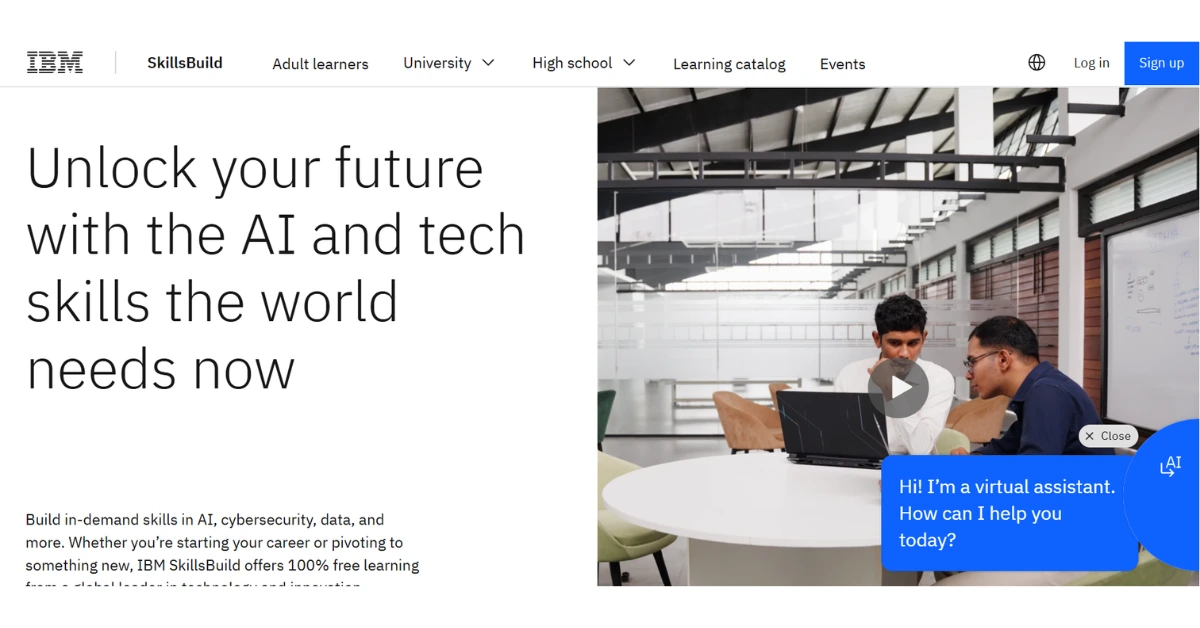
IBM’s contribution here is aimed squarely at students who want something that reads well on a resume without costing anything. It’s delivered through Cisco’s Networking Academy platform, which can be slightly confusing to navigate at first, but the content itself is solid and broad.
| Aspect | Details |
|---|---|
| Best for | Students who want a recognisable, resume-ready credential at zero cost |
| Difficulty | Beginner to intermediate |
| Duration | ~10–20 hours |
| Certificate | Free digital badge/credential after scoring 70%+ on the final assessment |
| What you’ll learn | AI history and functionality, ethical considerations, a broad tour of how AI is applied across industries |
Pros: Completely free including the credential; IBM SkillsBuild also runs a dedicated high-school track. Cons: The NetAcad interface feels dated and text-heavy compared to newer platforms.
7. Microsoft’s AI-For-Beginners (GitHub)
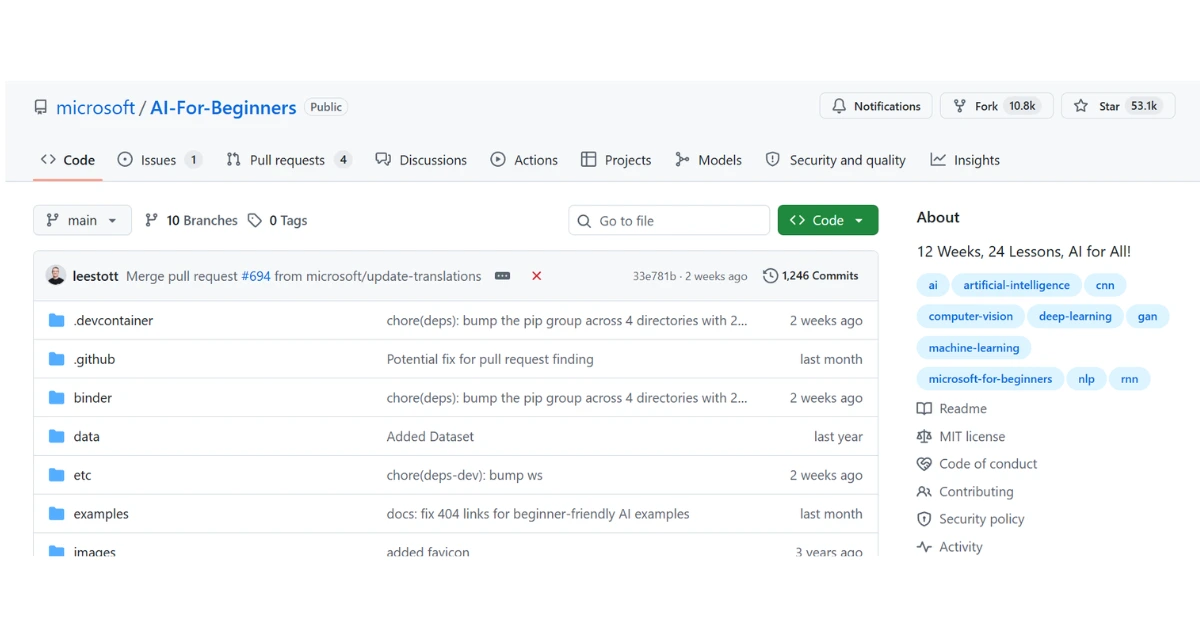
This is where the list starts asking for a little code. Microsoft’s Cloud Advocacy team maintains two open-source curricula on GitHub: a 24-lesson foundational AI course covering everything from symbolic AI to computer vision, and a 21-lesson course specifically on building generative AI applications in Python.
| Aspect | Details |
|---|---|
| Best for | Students ready to move from theory to actually building something |
| Difficulty | Intermediate |
| Duration | 12 weeks (AI-For-Beginners) + 21 lessons (Generative AI for Beginners), fully self-paced |
| Certificate | None formal — this is an open-source repository, not a graded platform, though quizzes let you check your own progress |
| What you’ll learn | Neural networks, computer vision, NLP fundamentals, and hands-on generative AI app-building in Python and TypeScript |
Pros: Entirely free forever (it’s just a GitHub repo), constantly updated, backed by a genuinely large community on Discord for when you get stuck. Cons: No certificate to show for it, and you’ll need at least beginner-level Python comfort to get the most out of it.
8. Kaggle Learn
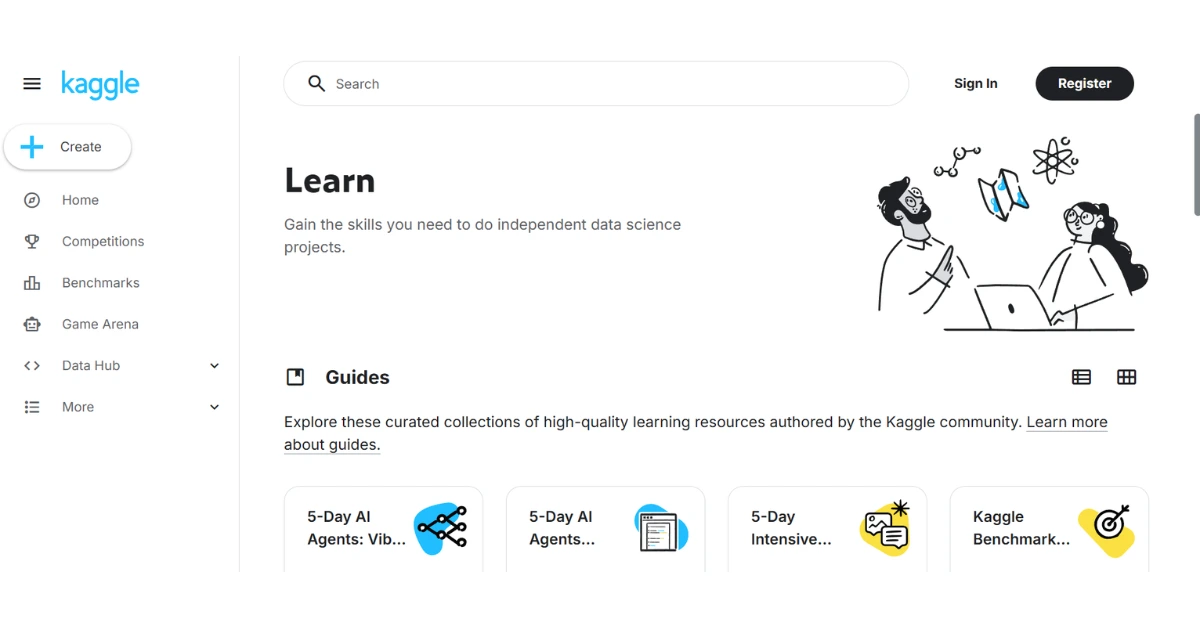
Kaggle’s micro-courses are the fastest way to go from “I understand AI conceptually” to “I’ve actually trained a model.” Everything runs in-browser through Kaggle’s own notebooks, so there’s nothing to install, and every exercise uses real datasets instead of toy examples.
| Aspect | Details |
|---|---|
| Best for | Students who want to get hands-on with real machine learning fast |
| Difficulty | Intermediate |
| Duration | ~3–7 hours per micro-course; most students take 2–3 of them |
| Certificate | Free certificate for each completed micro-course |
| What you’ll learn | Python for data science, pandas, intro and intermediate machine learning, feature engineering, deep learning, computer vision |
There’s nothing to install and the exercises are genuinely enjoyable rather than a chore, which is part of why it’s one of the more consistently praised entries on this whole list. The catch is that it’s deliberately gentle on theory — it teaches you to use models well before it explains why they work, so pairing it with Elements of AI or AI For Everyone fills that gap.
9. Hugging Face LLM Course
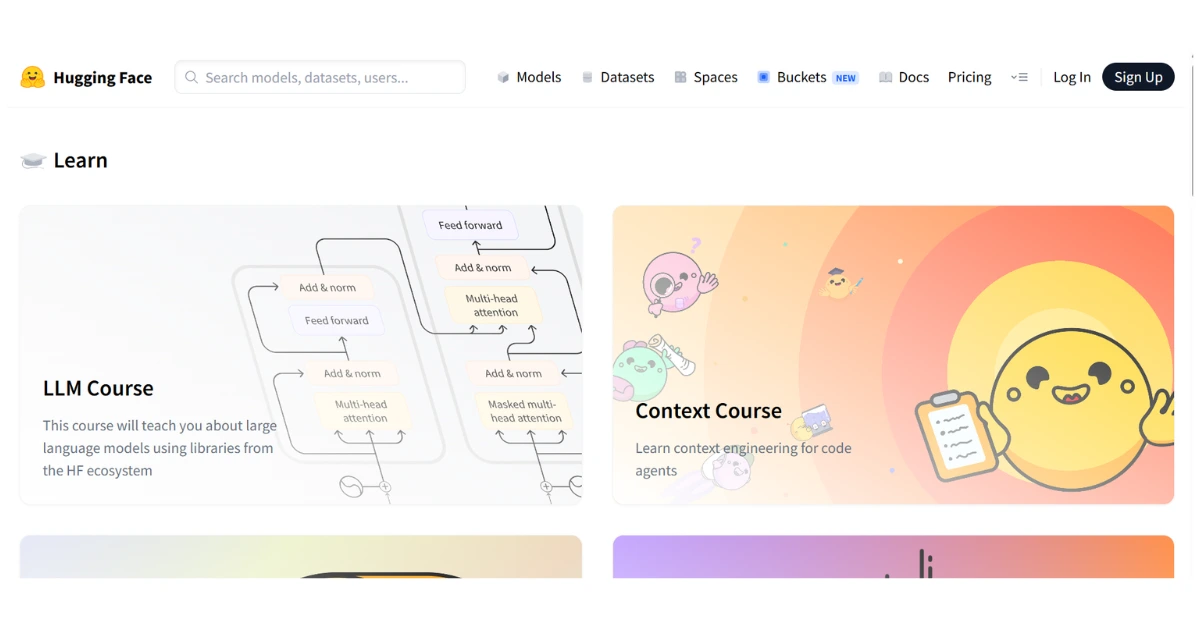
If you want to understand how tools like ChatGPT and Claude actually work under the hood, this is the most current, hands-on way to get there for free. It walks through transformer models, tokenization, and fine-tuning using the same libraries that professional AI teams use.
| Aspect | Details |
|---|---|
| Best for | Students who want real technical depth on how large language models work |
| Difficulty | Intermediate to advanced |
| Duration | ~15–20 hours, self-paced |
| Certificate | None currently for the core course (Hugging Face has said one is in progress); its separate Agents Course does offer a free certificate |
| What you’ll learn | Transformer architecture, tokenizers, fine-tuning pretrained models, building applications on top of LLMs |
Pros: Completely free, no ads, kept current with the field, teaches the actual tools used in industry. Cons: Needs prior Python and basic deep-learning familiarity to not feel overwhelming; no certificate on the main course yet.
10. CS50’s Introduction to AI with Python (Harvard University)
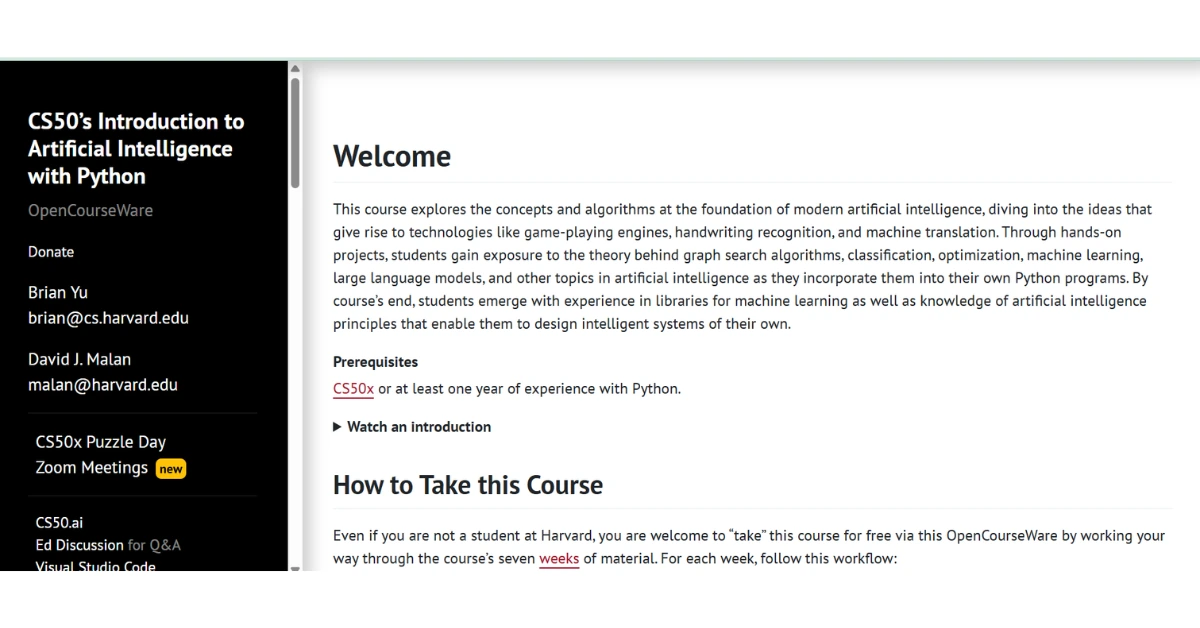
This is the most academically rigorous course on this list that’s still genuinely free, certificate included. It covers search algorithms, knowledge representation, optimisation, and machine learning, all built around real Python projects rather than multiple-choice quizzes.
| Aspect | Details |
|---|---|
| Best for | Students with some programming background who want university-level depth |
| Difficulty | Advanced |
| Duration | ~7 weeks; Harvard’s own listing says 10–30 hours a week, which is a wide range — expect the lower end if you’ve done CS50’s intro Python course first |
| Certificate | A genuinely free CS50 certificate is available directly from Harvard if you score 70%+ on every project (no edX payment required); edX also sells an optional $299 verified certificate |
| What you’ll learn | Graph search, game-playing AI, optimisation, machine learning, neural networks, and NLP, all applied through hands-on Python assignments |
Pros: Completely free, no ads, kept current with the field, teaches the actual tools used in industry. Cons: Needs prior Python and basic deep-learning familiarity to not feel overwhelming; no certificate on the main course yet.
Also Read: NotebookLM Cinematic Video Overview: Turn Your Notes Into a Mini Documentary (Student Guide)
Best AI Course Based on Your Goal
| Goal | Recommended Course |
|---|---|
| Complete beginner, no background | Elements of AI or AI For Everyone |
| School student (CBSE, no coding) | Google AI Essentials + Elements of AI |
| College student, non-CS background | Anthropic Academy AI Fluency + IBM SkillsBuild |
| Want to learn to code AI projects | CS50’s Introduction to AI with Python |
| Want to specialise in machine learning | Kaggle Learn + Hugging Face LLM Course, then fast.ai once you’re comfortable coding |
| Building a resume-ready credential | Google AI Essentials + IBM SkillsBuild, backed by a Kaggle project |
A 30-Day AI Learning Roadmap
Week 1 — AI Basics. Start with Elements of AI’s introductory module and Google AI Essentials side by side. One gives you the concepts, the other gives you tool fluency. By the end of the week, you should be comfortable explaining what AI can and can’t do without sounding like you’re reading off a definition.
Week 2 — Prompt Engineering and Tool Fluency. Move into Anthropic Academy’s AI Fluency track (or OpenAI Academy if ChatGPT is your daily tool) and practice writing prompts for actual schoolwork or assignments, not just testing the tool for fun. This is also a good week to finish AI For Everyone if you haven’t already.
Week 3 — AI Projects. Pick one hands-on track: Kaggle Learn if you want to train real models, or Microsoft’s Generative AI for Beginners if you’d rather build a small AI-powered app. Either way, the goal is to produce something you built, not just something you watched.
Week 4 — Portfolio and Certification. Finish and collect whatever free certificates apply to what you’ve done, but spend the bulk of the week writing up your project — what you built, what broke, what you’d do differently — and put it somewhere visible like GitHub or LinkedIn. This is the part most students skip, and it’s the part that actually matters when someone else looks at your profile.
Also Read: Google NotebookLM + Notion AI: A Complete AI Study System for Students (Build Your Second Brain)
Frequently Asked Questions
Which AI course is best for beginners?
Elements of AI and Google AI Essentials are the two most beginner-friendly options on this list. Neither needs any coding, and both are designed for someone who has never used an AI tool with any real intention before.
Can school students learn AI?
Yes, and several of the courses here — Google AI Essentials, Elements of AI, and IBM SkillsBuild’s high-school track in particular — are built with exactly that audience in mind. Most platforms don’t have strict age gates, but younger students are better off going through these with a teacher or parent nearby, especially for account sign-up.
Are free AI courses worth it?
For building real skills and a project portfolio, yes, easily. Where it gets more situational is formal recognition: a free certificate from Google, IBM, or Harvard’s CS50 genuinely carries weight, but if a specific employer or programme insists on a paid, verified credential, a free course alone won’t substitute for that. For most students, the skill and the project matter more than the badge.
Do I need coding?
Not for the first half of this list. Google AI Essentials, Elements of AI, AI For Everyone, Anthropic Academy, and IBM SkillsBuild all need zero programming. Coding becomes relevant from Microsoft’s GitHub curricula onward, and it’s genuinely required for Kaggle Learn, Hugging Face’s course, CS50 AI, and fast.ai — the last of which specifically expects you to already be comfortable writing code before you start.
Which courses offer a certificate?
Most of them do, though the terms differ. Elements of AI, Anthropic Academy, IBM SkillsBuild, Kaggle Learn, and Harvard’s CS50 AI all offer certificates at no cost. Google AI Essentials and AI For Everyone are free to learn from but usually charge for the certificate itself. Microsoft’s GitHub courses and fast.ai don’t offer a certificate for the free online version at all — you’re learning purely for the skill and the projects you walk away with.
Conclusion
With this many good, free options sitting in front of you, the real risk isn’t a lack of access anymore — it’s spreading yourself across too many courses and finishing none of them. Pick one beginner-friendly course from this list, actually finish it, and build one small project with what you learned, even something as simple as using AI to organise your own revision notes. A single completed project, that you can talk about in an interview or show a teacher, will do more for you than five half-finished certificates sitting unopened in your inbox.

My name is Asheesh Kumar i am a dedicated educator and have a deep understanding of artificial intelligence, I aim to transform traditional learning methods by integrating cutting-edge technology and AI-driven tools into education. As a teacher and personal tutor, I have the privilege of working with many students and understanding their individual strengths and weaknesses. With this insight, I know how to help each student overcome their challenges and improve their skills. Understanding each student’s unique learning style and needs allows me to tailor lessons that maximize their potential. This holistic approach not only boosts academic performance but also builds confidence and a lifelong love for learning.
1 thought on “Best Free AI Courses for Students in 2026 (Beginner to Advanced)”