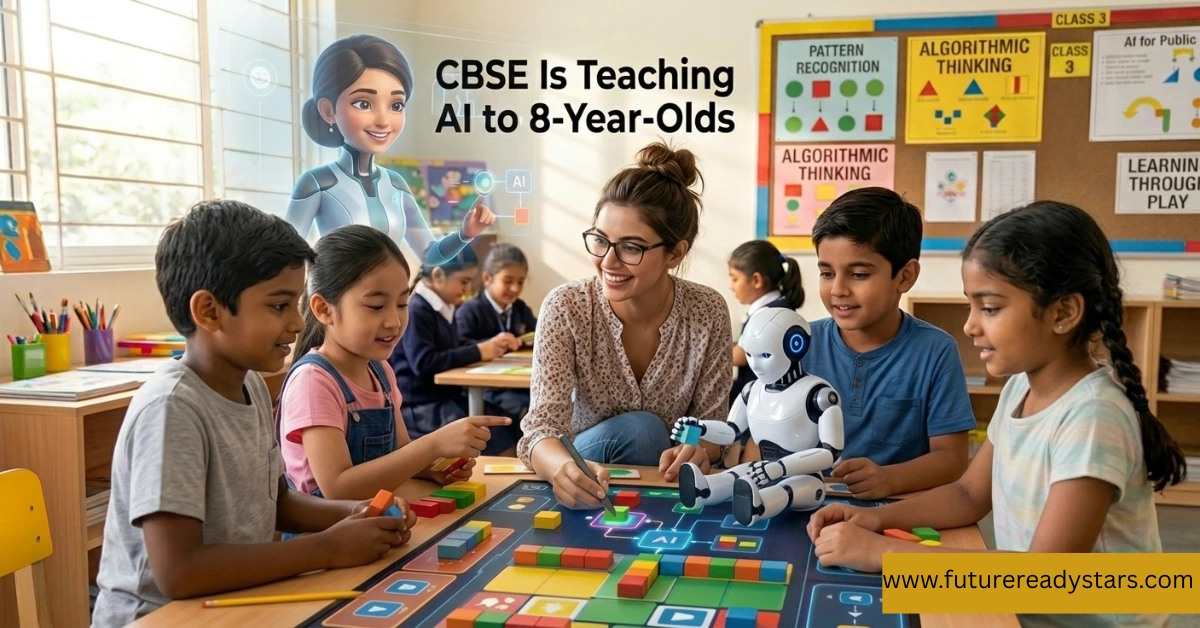
CBSE Is Teaching AI to 8-Year-Olds From 2026 — Here’s Exactly What Your Child Will Learn Grade by Grade

CBSE Is Teaching AI to 8-Year-Olds From 2026 — Here's Exactly What Your Child Will Learn Grade by Grade

The CBSE AI curriculum 2026 is one of the biggest changes in India’s school education system, aiming to build real-world thinking skills from an early age It’s not a pilot project. It’s not a “tech elective” for gifted kids. From this academic year, every child in a CBSE school — starting Class 3 — will begin learning Artificial Intelligence. Here’s what that actually looks like, classroom by classroom. Think back to when you first encountered a computer in school. Maybe it was Class 5 or 6. Maybe you typed your name in MS Paint and thought that was revolutionary. Your kids won’t have that experience — because their generation is going to learn how the machine thinks, not just how to use it. On October 30, 2025, the Ministry of Education made it official: AI and Computational Thinking will be embedded into every CBSE school, starting from Class 3, from the 2026–27 academic year. Not as a fancy optional subject. Not just in tech-heavy private schools. All schools. All students. If you’re a parent trying to figure out what this means for your child — or a student wondering what’s coming — this is the breakdown you need. Also Read: Help Your Child Read English: 5 Useful Educational Gadgets for Indian Students (Teacher’s Guide) The Numbers That Put This in Perspective 31K+ CBSE schools that will implement this curriculum nationwide 10M Teachers who need to be trained before this rolls out Class 3 The earliest grade — roughly 8-year-olds — where AI learning begins That teacher number — 10 million — is the one that tells you how ambitious (and honestly, how challenging) this really is. India is attempting one of the world’s largest integrations of AI education into school learning. No country has done this at this scale, at this age, this fast. CBSE AI Curriculum 2026 Explained (Class 3 to 12) Here’s the part most news articles skip — the actual classroom content. The curriculum is designed in four stages, each building on the last. Think of it like a staircase, not a jump. 🟠 Class 3–5 · Ages 8–11 The Foundation Stage — “AI Without Screens” Real talk for parents: Under the CBSE AI curriculum 2026, your 8-year-old will not be coding. They won’t touch Python; they won’t see a terminal screen. And that’s completely intentional. CBSE and the NCERT team have designed this stage around one idea — build the thinking first, tools come later. The child who can break a problem into steps, spot a pattern, and think about “what happens if I change this rule” is already thinking computationally. Also Read: Help Your Child Write Better English: Simple Educational Tools That Actually Work (Teacher’s Guide for Indian Parents) 🔵 Class 6–8 · Ages 11–14 The Exploration Stage — “What AI Actually Does” Real talk: This is where the curriculum becomes genuinely impressive. The ethics and bias module in particular is something most university computer science programmes still don’t teach properly. A Class 8 student who can articulate why an AI system might be unfair — and to whom — has a critical thinking edge that will matter in every career path, not just technology. If your child is in this age group right now, the best head start you can give them costs nothing: have dinner-table conversations about the apps they already use. “Why do you think Instagram showed you that reel?” is a perfect warm-up for what’s coming in their classroom. Also Read: AI for Indian Students: Your Teacher’s Real Talk on Learning Smarter in 2025 🟢 Class 9–10 · Ages 14–16 The Application Stage — AI as a Compulsory Subject The AI Project Cycle — The framework running through everything: Define the problem → Collect & clean data → Build the model → Test → Improve. Students apply this to real self-chosen problems — predicting electricity usage, detecting plant diseases in photos — not textbook exercises. Python Programming — Students graduate from block-based coding to Python, the world’s most used AI language. Starting with variables, loops, and functions in Class 9 — by Class 10 they’re using NumPy and Pandas on actual datasets. With the Class 6–8 foundation, the jump is manageable. Data Science Fundamentals — The full workflow: collecting data, cleaning it, analysing it, visualising it. Charts, heat maps, spotting outliers. A skill that’s useful in every career — medicine, journalism, economics, public policy — not just tech. Neural Networks — How AI Actually “Learns” — First real look under the hood. What a neural network is, how it learns from examples instead of explicit rules, and what happens when you train one on a dataset and watch accuracy climb. One of those concepts that clicks and changes how you see everything. Computer Vision — How AI identifies a face, reads a handwritten digit, or detects a tumour in an X-ray. Students label training data and discover why image quality and diversity matter. Directly connected to things they use daily — face unlock, Google Lens, Instagram filters. Natural Language Processing (NLP) — How does ChatGPT understand a question? How does autocorrect know what you meant? Students do hands-on sentiment analysis, text classification, and basic language models — using tools they already interact with every day. Machine Learning — Regression, Classification, Clustering — The three core types, each with real examples. Predicting tomorrow’s temperature. Filtering spam. Grouping customers by behaviour. All practiced in Python, not just defined in notes. Mathematics for AI — Probability, statistics, basic linear algebra — taught with one purpose: showing students that the math from their other subjects is the actual engine inside every AI model they’ve ever used. Real talk: This is a significant leap — and an exciting one. A Class 10 student who completes this curriculum will have built real AI projects, written actual Python code, and understood how models learn from data. That’s not exaggeration — that’s the syllabus. The AI Project Cycle assessment means marks aren’t just from memorising definitions; students are evaluated on the quality of the problem they chose, how they approached it, and what … Read more

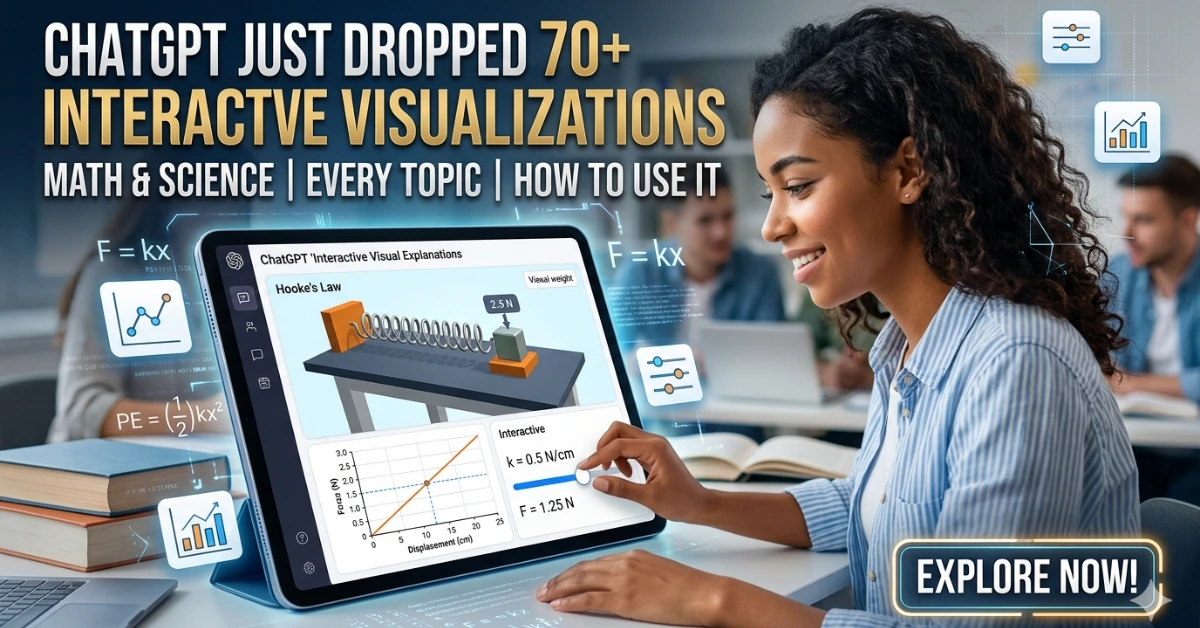
ChatGPT Just Dropped 70+ Interactive Math & Science Visualizations — Here’s Every Topic Covered & How to Use It Before Your Exam

ChatGPT’s interactive visualizations

By Asheesh Kumar 2026 · 8 min read ChatGPT’s interactive visualizations are built-in learning modules that show math and science concepts through live graphs, sliders, and dynamic diagrams—helping students understand concepts instead of just reading them. On March 10, 2026, OpenAI pushed out a feature that didn’t make as much noise as it deserved. No flashy demo reel, no celebrity tweet. Just a quiet update that changed how 140 million weekly ChatGPT users can study math and science — forever. It’s called Interactive Visual Explanations, and if you haven’t stumbled across it yet, here’s the simplest way to describe it: you ask ChatGPT about a concept — say, Ohm’s Law — and instead of getting a wall of text, you get a live, draggable module where you can slide the voltage up, watch the current change, and feel the relationship in your fingers rather than just read about it. Research shows that visual learning improves retention and conceptual understanding compared to text-only methods. That might sound like a small thing. It isn’t. Here’s everything you need to know. Also Read: US Universities Are Rewriting Their AI Rules Right Now — Here’s What Students Can (and Can’t) Do The Numbers First — Because They Matter 140M People use ChatGPT weekly for math & science help alone 70+ Core topics now covered with interactive visual modules 50%+ Of US adults say they struggle with math (Gallup, 2026) That last stat hits differently. More than half of American adults don’t feel confident with math. And many parents told the same Gallup survey they don’t feel equipped to help their kids with it either. That’s not a niche problem — that’s a generational one. And this feature is a direct, thoughtful response to it. Before vs. After: What Actually Changed Before (Text-Only) After (Interactive) The shift isn’t cosmetic. The whole point is what researchers call interaction-based learning — the idea that when you manipulate variables yourself and see the effect immediately, you build intuition that passive reading simply can’t give you. Adjust the sides of a triangle and watch the hypotenuse update live. Change temperature in Charles’ Law and watch volume respond. Double the velocity in a kinetic energy problem and see why the energy quadruples — not just memorize that it does. “What stands out is how strongly this feature emphasizes conceptual understanding. When learning math, understanding why something works helps concepts stick long term.” — OpenAI educator partner, March 2026 Tools like Desmos allow graph-based learning, but require switching platforms—something ChatGPT eliminates. Every Topic Currently Covered (The Full List) OpenAI has been a little coy about the exact full list — they say “70+” but haven’t published every single one. Here’s what’s confirmed across the official announcement and early user reports, grouped by subject: * OpenAI says more topics are actively being added. The full catalog will expand beyond these categories over 2026. Also Read: NotebookLM Cinematic Video Overview: Turn Your Notes Into a Mini Documentary (Student Guide) How to Use This Before Your Next Exam This isn’t just a cool party trick. Used right, it can seriously change how prepared you feel walking into an exam. Here’s a step-by-step study workflow: Platforms like Khan Academy have long used visual learning to improve understanding, but integrating it directly inside ChatGPT removes extra friction. Also Read: AI Tools Students Use for Smart Exam Practice & Revision (2026) The Exam Cheat Sheet: Exact Prompts That Trigger Visualizations 📋 Ready-to-Use Prompts by Subject Subject Try This Exact Prompt Algebra Show me how slope and intercept affect a linear equation Geometry Visualize the Pythagorean theorem interactively Physics How does voltage affect current in Ohm’s Law? Show me a live demo Chemistry Show me what happens to gas volume as temperature changes — Charles’ Law Trigonometry Show me the unit circle and how sin/cos values change with angle Finance Math Visualize compound interest — show what happens when I change the rate and time Optics What is a lens equation? Show me an interactive diagram One Honest Limitation to Know This feature is genuinely impressive — but it’s not magic. A few things worth keeping in mind: It only works for the ~70 supported topics right now. Ask ChatGPT to visualize something off-list — like, say, enzyme kinetics or orbital mechanics — and you’ll get a text explanation instead. More topics are coming, but they’re not here yet. Accuracy still matters. Generative AI can occasionally get parameter ranges subtly wrong or draw a diagram that’s slightly off. If something looks strange in a visualization, cross-check against your textbook. For exam prep, treat it as a thinking tool, not a ground truth. It’s not a replacement for doing problems. Understanding why energy quadruples when velocity doubles is powerful. But you still need to work through the actual algebra on paper. The visual builds intuition; practice builds skill. You need both on exam day. Also Read: Top 15 Banned AI Tools Students Love (Why Schools Can’t Stop Them) Why This Is Actually a Bigger Deal Than It Looks Tools like GeoGebra, Desmos, and PhET simulations have existed for years. Teachers love them. Students barely use them — because switching apps, finding the right simulation, and figuring out the interface is friction most students just won’t push through at 11pm before an exam. ChatGPT’s version isn’t better in every technical way. But it has one massive advantage: it’s already where you are. You’re already asking it questions. The visual just appears. No extra tab, no login, no tutorial. That frictionless access is, honestly, the whole point. OpenAI isn’t trying to replace Desmos. They’re trying to remove the 3-second mental hurdle that stops most students from ever using a visualization tool in the first place. Try It Right Now — No Setup Needed Open ChatGPT, type “Show me an interactive visualization of kinetic energy” and see what appears. It’s available to every logged-in user — free or paid — globally. No settings to toggle. No feature to enable. Just ask. … Read more

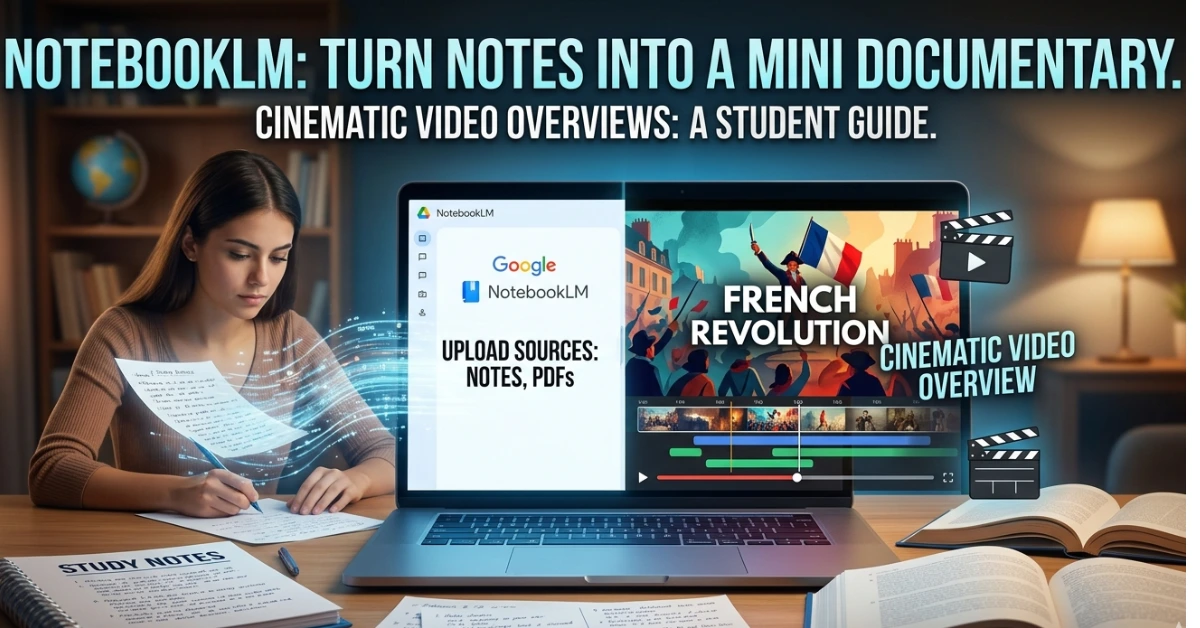
NotebookLM Cinematic Video Overview: Turn Your Notes Into a Mini Documentary (Student Guide)

NotebookLM Cinematic Video Overview

Imagine this. You upload your messy class notes, a PDF of your textbook chapter, and a few lecture slides.Five minutes later, an AI turns them into a short cinematic documentary explaining the topic with visuals, narration, and structured concepts. Google’s NotebookLM recently introduced a new feature called Cinematic Video Overviews, and most students still don’t know it exists. But for those who discover it early, it could completely change how revision works. Instead of rereading notes for hours, you can literally watch your chapter like a mini educational film. Let’s break down what this feature actually does, how students can use it, and why it might become one of the most powerful AI study tools in the next few years. What NotebookLM Actually Is (If You’ve Never Used It) NotebookLM is Google’s AI research tool that works differently from ChatGPT or Gemini. Those tools pull from everything they’ve ever been trained on. NotebookLM only uses what you give it — your PDFs, your notes, your textbooks, your lecture slides. Nothing else. That matters because when it generates something, it’s grounded in your actual material. Not hallucinated. Not generic. Yours. It already had a popular “Audio Overview” feature — where two AI hosts would have a podcast-style conversation about your notes, which students used for passive studying on commutes. That alone changed how a lot of people revised. This new NotebookLM Cinematic Video Overview feature is a whole different level. What NotebookLM’s Cinematic Video Overview Actually Does Instead of only generating summaries or flashcards, NotebookLM can now produce a short animated, narrated video built entirely from your uploaded study material. Think of it as: your notes + AI storytelling + educational animation — compressed into a few minutes of video you’ll actually want to watch. It reads your sources, figures out the narrative structure, writes the narration, and generates the visuals automatically. If your notes cover Organic Reaction Mechanisms, it doesn’t give you a generic chemistry video from YouTube. It gives you a video about your notes, using your terminology, your examples, your chapter structure. That’s the thing that makes this genuinely different. How Students Can Use It (Step-by-Step) This is simpler than you’d expect. Step 1: Prepare Your Sources Go to notebooklm.google.com and create a new notebook. Upload your sources. You can add PDFs, Google Docs, paste in text, drop a YouTube link (it pulls the transcript automatically), or add web articles. You can upload up to 50 sources per notebook. Step 2: Open the Studio Panel Inside NotebookLM you’ll find a Studio or creation panel where different content formats can be generated. This is where the cinematic overview option appears. Once selected, you can provide a short instruction describing what kind of explanation you want. For example: “Create a 3-minute cinematic explanation of the causes of World War I with a timeline and key events.” Step 3: Add a Direction Prompt This step makes a big difference. Instead of leaving the AI completely open-ended, guide it like a director. Students often write prompts like: • “3 minute revision video for Class 12 Chemistry equilibrium with formulas and examples.”• “Short visual explanation of supply and demand curves for economics exam prep.”• “Timeline documentary explaining the French Revolution.” These instructions help the system choose what information to highlight. Step 4: Generate the Video After submitting the request, the AI analyzes the uploaded sources and generates the cinematic overview. The result usually includes: Generation typically takes a few minutes. Once it finishes, you can watch the video directly inside NotebookLM. A Smart Way Students Are Using It for Exam Revision One particularly effective strategy is something students call the 3-minute revision method. Here’s how it works. For every chapter: The video acts like a mental map of the chapter. By the time you read the text again, the structure of the topic already makes sense. Some students even create multiple micro-videos for different subtopics. For example: Physics chapter: • Electric field explanation• Potential difference concept• Capacitor formulas Each becomes its own short visual revision clip. The Pricing — Let’s Be Honest About This Most articles either hide the pricing or make it sound worse than it is. Here’s the full picture: The cinematic upgrade builds on NotebookLM’s earlier audio and video overview features. Free Plan — ₹0 / $0 You get 50 chat queries per day, 3 audio overviews, and limited video overview access. Cinematic Video is not included on the free plan. But the standard features — chat with your notes, study guides, quizzes, audio overviews — are still genuinely useful. Google AI Pro / NotebookLM Plus — $19.99/month This is where the real power lives for most students. It includes NotebookLM Plus, Gemini Advanced, AI features in Gmail and Docs, and 2TB of Google storage. You get standard Video Overviews (not Cinematic, but still very good), expanded notebook limits, and better citation tools. The student discount: If you’re 18 or older and enrolled in a college or university, you can get this at $9.99/month — 50% off — for your first year. You verify through a service called SheerID, which just checks your .edu email or student ID. India is supported. So is the UK, US, most of Europe, and several other countries. Google AI Ultra — $249.99/month This is where Cinematic Video Overviews live at launch. It also includes Gemini 3 Deep Think, Veo 3, a video editing tool, and 30TB of storage. This is not a student plan. This is for professionals and creators with a budget. Skip it unless money genuinely isn’t a concern. The honest verdict on pricing: The $9.99 student plan is the sweet spot. You get standard Video Overviews, audio overviews, unlimited chat with your notes, study guides, and quizzes. That’s a lot for less than a textbook costs per month. Prompt templates (student-ready — paste & tweak) Use these directly in the “add prompt” box: A Few Things It Can’t Do (Be Aware) No tool is perfect. Here’s what NotebookLM can’t do … Read more

AI Tools for CBSE English Students: Grammar, Writing, and Safe Use (A Teacher’s Guide)

AI Tools for CBSE English Students: Grammar, Writing, and Safe Use (A Teacher’s Guide)

Why Choosing the Right AI Tool for CBSE English Is So Confusing

Look, CBSE students are genuinely confused about AI tools… and honestly, who can blame them? There’s zero clear guidance. You open your phone, someone’s pushing a new app. You check YouTube, there’s another website being recommended. One teacher tells you AI is useful. The next one says it’s completely wrong. So where does that leave you? Stuck in the middle, basically trying to guess what’s safe and what’ll land you in trouble.

Read more

Best AI Tools for CBSE Science Students (2025)

Best AI Tools for CBSE Science Students (2025)

Let’s be real for a second—Science is brutal.

You stare at a Physics problem for 20 minutes. The formula’s right there in your head. You plug in the numbers… and somehow, the answer’s still wrong.

Chemistry? Half the reactions feel like pure ratta-fication with zero logic behind them.

And Biology? It’s like training for a memory Olympics that never ends.

Read more

ChatGPT Go Is Now Free in India — How Students Can Claim GPT-4 Access & Study Smarter (2025 Guide)

ChatGPT Go Is Now Free in India — How Students Can Claim GPT-4 Access & Study Smarter (2025 Guide)

The news that made every Indian student’s day? ChatGPT’s advanced features, including GPT-4, are now accessible for free. ChatGPT Go is now free in India — a ChatGPT Go India offer that gives students premium AI tools at zero cost. No credit card drama, no subscription headaches—just pure AI power at your fingertips.

Read more

15 Best AI Apps That Make CBSE Studying 10× Easier [By Class & Subject]

Traditional vs AI Powered

Transform your child’s academic journey with these game-changing AI tools – tested by real CBSE students and approved by teachers nationwide

The CBSE education landscape has dramatically shifted in 2025. With the introduction of competency-based questions and increased focus on application-based learning as outlined in the official CBSE curriculum, students from Classes 6 to 12 are discovering that traditional rote memorization simply isn’t enough anymore.

Read more

ChatGPT-5 Study Mode vs Claude Learning Mode: I Tested Both for 30 Days (Honest Results)

ChatGPT-5-Study-Mode-vs-Claude-Learning-Mode.

The battle for the best AI tutoring for CBSE students is heating up in 2025. With OpenAI unveiling ChatGPT’s new “study mode” feature designed to guide users through the process of finding answers step by step, and Anthropic’s Claude employing a Socratic approach, guiding users through challenging concepts with probing questions, educators and students face an important choice.

Read more