
Last Updated on March 24, 2026 by Asheesh Kumar
By Asheesh Kumar 2026 · 8 min read
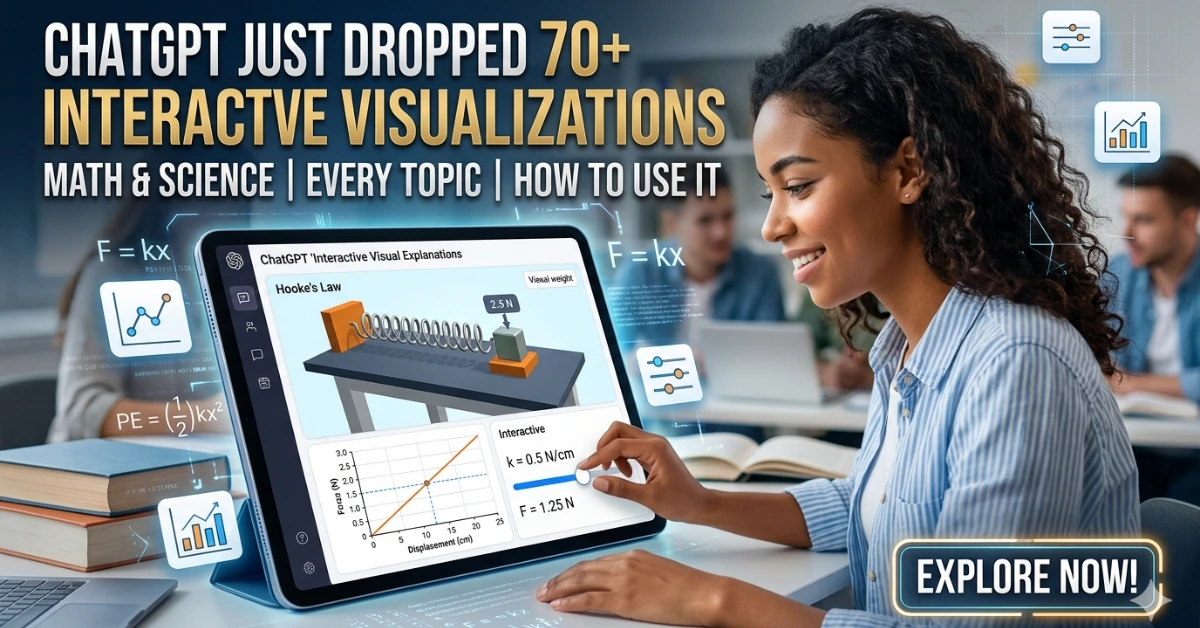
ChatGPT’s interactive visualizations are built-in learning modules that show math and science concepts through live graphs, sliders, and dynamic diagrams—helping students understand concepts instead of just reading them.
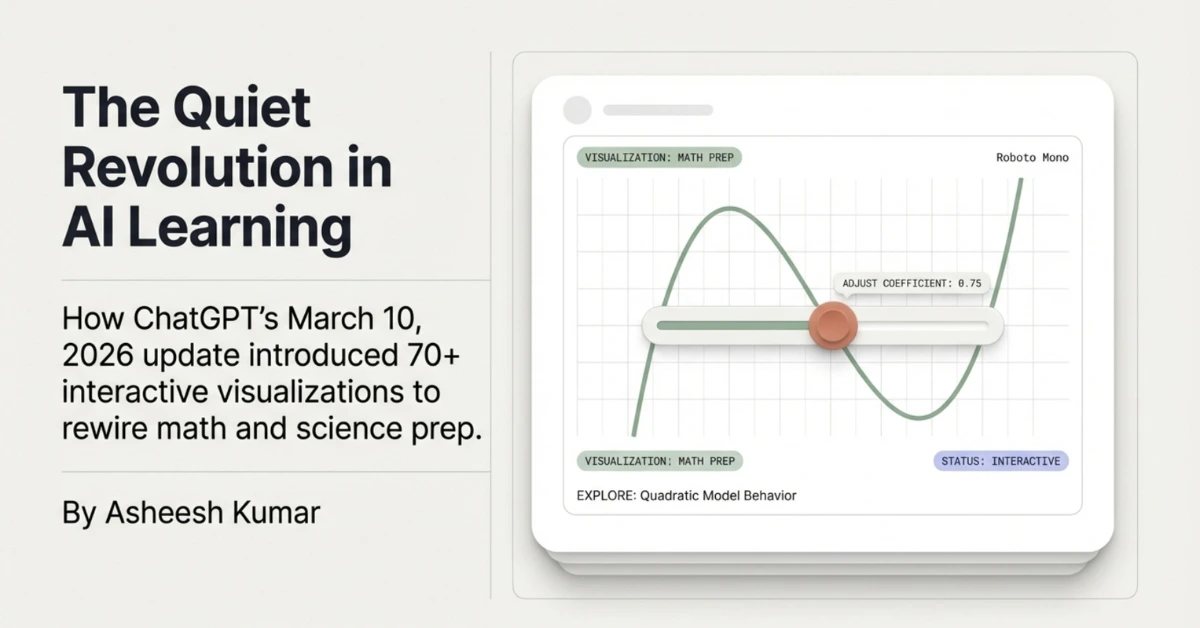
On March 10, 2026, OpenAI pushed out a feature that didn’t make as much noise as it deserved. No flashy demo reel, no celebrity tweet. Just a quiet update that changed how 140 million weekly ChatGPT users can study math and science — forever.
It’s called Interactive Visual Explanations, and if you haven’t stumbled across it yet, here’s the simplest way to describe it: you ask ChatGPT about a concept — say, Ohm’s Law — and instead of getting a wall of text, you get a live, draggable module where you can slide the voltage up, watch the current change, and feel the relationship in your fingers rather than just read about it.
Research shows that visual learning improves retention and conceptual understanding compared to text-only methods.
That might sound like a small thing. It isn’t. Here’s everything you need to know.
Also Read: US Universities Are Rewriting Their AI Rules Right Now — Here’s What Students Can (and Can’t) Do
The Numbers First — Because They Matter
140M
People use ChatGPT weekly for math & science help alone
70+
Core topics now covered with interactive visual modules
50%+
Of US adults say they struggle with math (Gallup, 2026)
That last stat hits differently. More than half of American adults don’t feel confident with math. And many parents told the same Gallup survey they don’t feel equipped to help their kids with it either. That’s not a niche problem — that’s a generational one. And this feature is a direct, thoughtful response to it.
Before vs. After: What Actually Changed
Before (Text-Only)
- Static formula dumped in chat
- You read it, then forget it
- No way to “feel” the concept
- Switch to YouTube or GeoGebra
- Lose context, start over
After (Interactive)
- Live module appears in-chat
- Drag sliders, change variables
- Graphs update in real time
- Ask follow-ups, same window
- Concept sticks because you did it
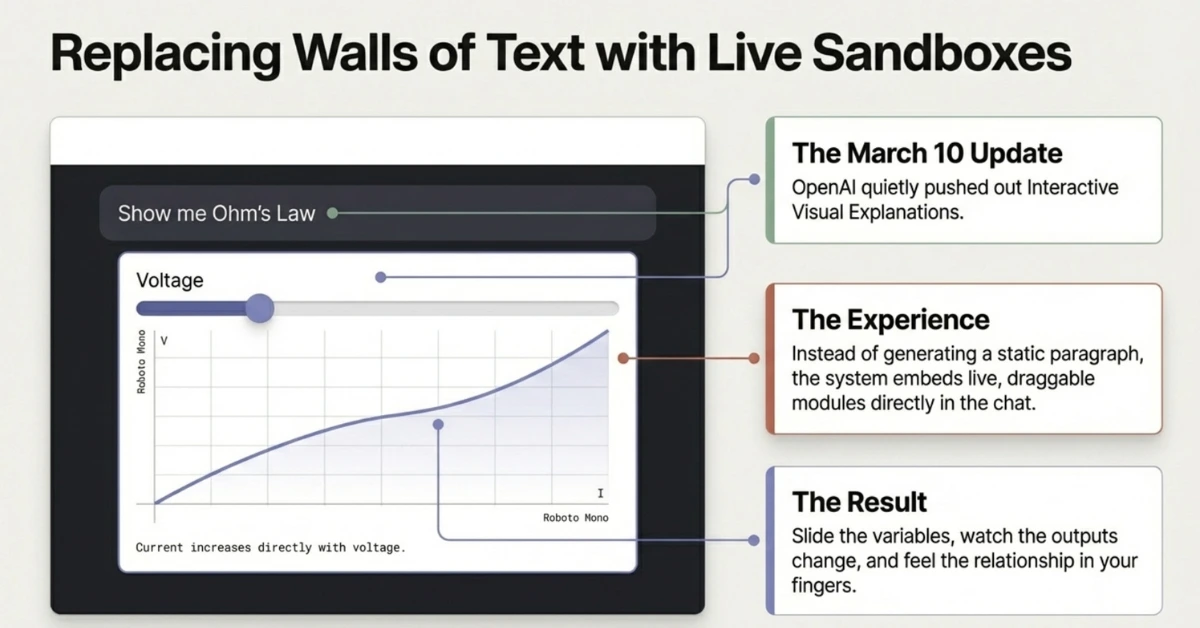
The shift isn’t cosmetic. The whole point is what researchers call interaction-based learning — the idea that when you manipulate variables yourself and see the effect immediately, you build intuition that passive reading simply can’t give you. Adjust the sides of a triangle and watch the hypotenuse update live. Change temperature in Charles’ Law and watch volume respond. Double the velocity in a kinetic energy problem and see why the energy quadruples — not just memorize that it does.
“What stands out is how strongly this feature emphasizes conceptual understanding. When learning math, understanding why something works helps concepts stick long term.” — OpenAI educator partner, March 2026
Tools like Desmos allow graph-based learning, but require switching platforms—something ChatGPT eliminates.
Every Topic Currently Covered (The Full List)
OpenAI has been a little coy about the exact full list — they say “70+” but haven’t published every single one. Here’s what’s confirmed across the official announcement and early user reports, grouped by subject:
📐 Mathematics
Pythagorean Theorem, Linear Equations, Slope-Intercept Form, Binomial Square, Difference of Squares, Trig Angle Sum Identity, Circle Area Circle Equation, Triangle Area, Cone Volume, Cone Surface Area, Cylinder Volume, Surface Area of Sphere, Degrees of Freedom, Exponential Decay
⚡ Physics
Ohm’s Law, Hooke’s Law, Coulomb’s Law, Kinetic Energy, Potential Energy, Lens Equation, Period–Frequency Relation, Newton’s Second Law, Projectile Motion
🧪 Chemistry
Charles’ Law, PV = nRT ,(Ideal Gas Law), Boyle’s Law, Acid-Base pH, Reaction Rate
💰 Applied / Finance Math
Compound Interest, Simple Interest,Loan Amortisation, Exponential Growth
* OpenAI says more topics are actively being added. The full catalog will expand beyond these categories over 2026.
Also Read: NotebookLM Cinematic Video Overview: Turn Your Notes Into a Mini Documentary (Student Guide)
How to Use This Before Your Next Exam
This isn’t just a cool party trick. Used right, it can seriously change how prepared you feel walking into an exam. Here’s a step-by-step study workflow:
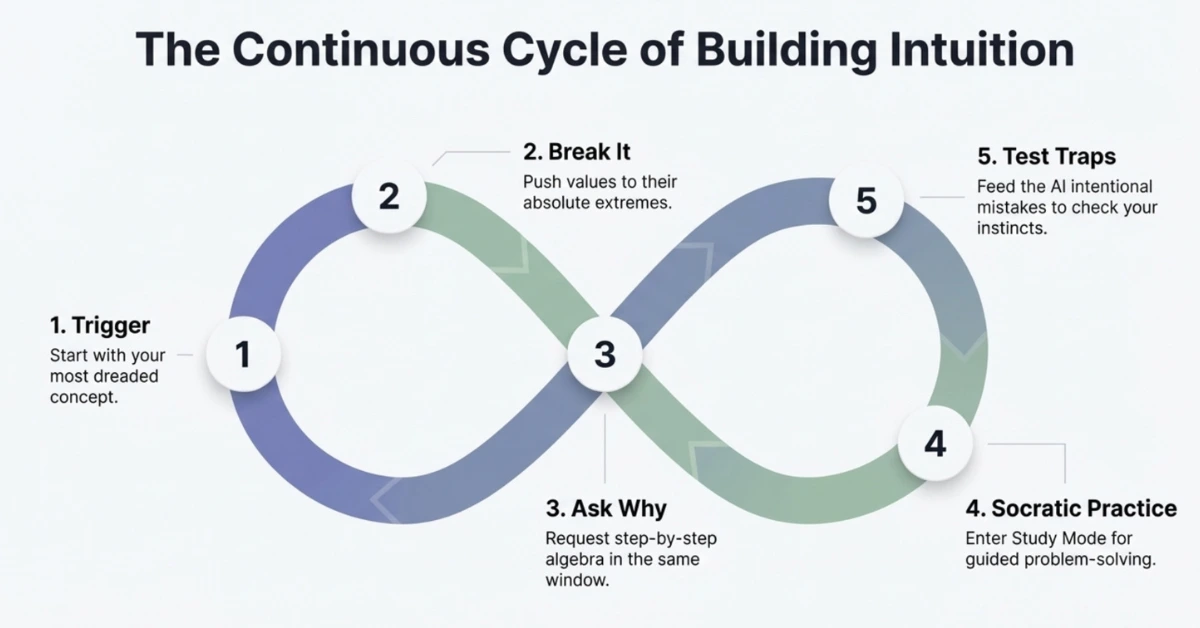
- Start with the concept you dread most Open ChatGPT and type something like: “Show me an interactive visualisation of Hooke’s Law” or just ask a natural question like “How does kinetic energy change when I double the speed?” The module appears automatically — no special command needed.
- Break it by pushing values to extremes Don’t just slide variables gently. Crank them to maximum, set them to zero, watch what breaks. This is exactly how intuition gets built. When you see that quadrupling velocity in kinetic energy actually multiplies energy by 16, it sticks.
- Ask “why” follow-ups in the same chat The real power is that the same window that shows the visual can explain the math behind it. Ask “Why does doubling v quadruple the energy — show me the algebra step by step.” You stay in one place instead of bouncing between tools.
- Combine with Study Mode for practice problems After playing with the visual, switch gears: “Now give me a practice problem on this and guide me through it step by step.” Study Mode won’t just give you the answer — it walks you toward it Socratic-style, which is how real retention happens.
- Use it to check your exam prep instincts If you think you understand a concept, test yourself: explain it to ChatGPT wrong on purpose and see if it corrects you. Or ask: “What’s the most common mistake students make with Coulomb’s Law?” That kind of question surfaces the trap your exam is probably setting.
Platforms like Khan Academy have long used visual learning to improve understanding, but integrating it directly inside ChatGPT removes extra friction.
Also Read: AI Tools Students Use for Smart Exam Practice & Revision (2026)
The Exam Cheat Sheet: Exact Prompts That Trigger Visualizations
📋 Ready-to-Use Prompts by Subject
| Subject | Try This Exact Prompt |
|---|---|
| Algebra | Show me how slope and intercept affect a linear equation |
| Geometry | Visualize the Pythagorean theorem interactively |
| Physics | How does voltage affect current in Ohm’s Law? Show me a live demo |
| Chemistry | Show me what happens to gas volume as temperature changes — Charles’ Law |
| Trigonometry | Show me the unit circle and how sin/cos values change with angle |
| Finance Math | Visualize compound interest — show what happens when I change the rate and time |
| Optics | What is a lens equation? Show me an interactive diagram |
One Honest Limitation to Know
This feature is genuinely impressive — but it’s not magic. A few things worth keeping in mind:
It only works for the ~70 supported topics right now. Ask ChatGPT to visualize something off-list — like, say, enzyme kinetics or orbital mechanics — and you’ll get a text explanation instead. More topics are coming, but they’re not here yet.
Accuracy still matters. Generative AI can occasionally get parameter ranges subtly wrong or draw a diagram that’s slightly off. If something looks strange in a visualization, cross-check against your textbook. For exam prep, treat it as a thinking tool, not a ground truth.
It’s not a replacement for doing problems. Understanding why energy quadruples when velocity doubles is powerful. But you still need to work through the actual algebra on paper. The visual builds intuition; practice builds skill. You need both on exam day.
Also Read: Top 15 Banned AI Tools Students Love (Why Schools Can’t Stop Them)
Why This Is Actually a Bigger Deal Than It Looks
Tools like GeoGebra, Desmos, and PhET simulations have existed for years. Teachers love them. Students barely use them — because switching apps, finding the right simulation, and figuring out the interface is friction most students just won’t push through at 11pm before an exam.
ChatGPT’s version isn’t better in every technical way. But it has one massive advantage: it’s already where you are. You’re already asking it questions. The visual just appears. No extra tab, no login, no tutorial.
That frictionless access is, honestly, the whole point. OpenAI isn’t trying to replace Desmos. They’re trying to remove the 3-second mental hurdle that stops most students from ever using a visualization tool in the first place.
Try It Right Now — No Setup Needed
Open ChatGPT, type “Show me an interactive visualization of kinetic energy” and see what appears. It’s available to every logged-in user — free or paid — globally. No settings to toggle. No feature to enable. Just ask. That’s the whole point.
* Feature launched March 10, 2026, by OpenAI. Topic list based on official OpenAI announcement and verified third-party coverage. Additional topics are being added on a rolling basis — check ChatGPT directly for the most current list.

My name is Asheesh Kumar i am a dedicated educator and have a deep understanding of artificial intelligence, I aim to transform traditional learning methods by integrating cutting-edge technology and AI-driven tools into education. As a teacher and personal tutor, I have the privilege of working with many students and understanding their individual strengths and weaknesses. With this insight, I know how to help each student overcome their challenges and improve their skills. Understanding each student’s unique learning style and needs allows me to tailor lessons that maximize their potential. This holistic approach not only boosts academic performance but also builds confidence and a lifelong love for learning.
3 thoughts on “ChatGPT Just Dropped 70+ Interactive Math & Science Visualizations — Here’s Every Topic Covered & How to Use It Before Your Exam”